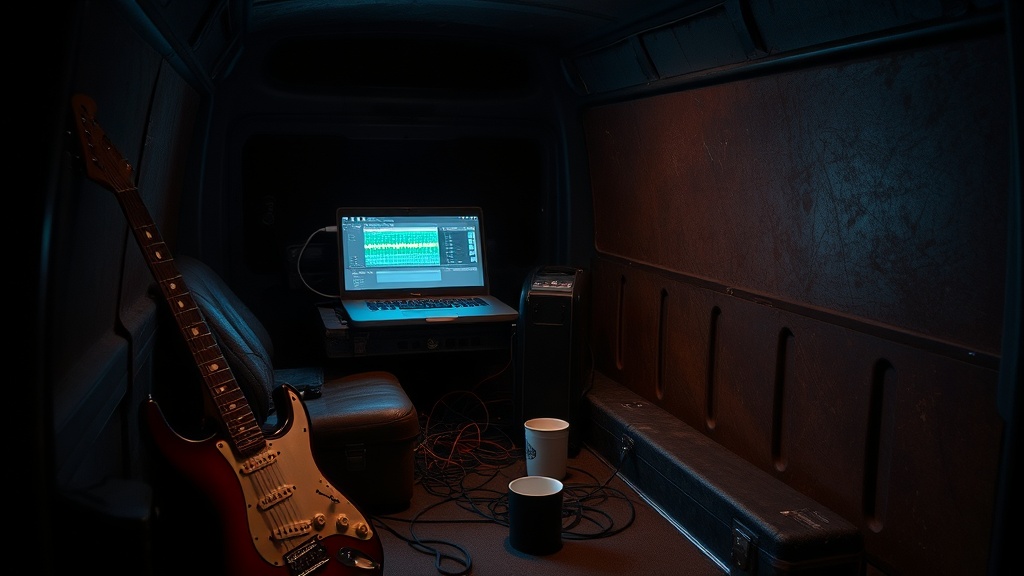
I Tested 5 AI Music Tools While Touring. Here's What Actually Works.

Look, I've spent the last month testing AI music tools while on the road. Here's what actually saved me time — and what I deleted after week two.
Quick context: I had three back-to-back session gigs between tour legs in February, and I was picking up setlists 48 hours before load-in. I figured if there was ever a moment to let AI tools earn their keep, that was it. So I ran five of them through real conditions — not a studio A/B test, not a YouTube demo. Actual van-and-venue pressure.
The Problem I Was Trying to Solve
Session work has a specific kind of crunch. You get a track list, a key sheet if you're lucky, maybe a Spotify playlist, and a call time. You need to know these songs cold — arrangements, feel, the little fills the original player does that the artist expects to hear. Multiply that by 12 songs and a 36-hour window and you've got yourself a problem.
I was also trying to tighten my home demo workflow. Between tours I do quick studio runs — laying down rough takes, sending reference mixes — and I've been looking for places to shave time without sacrificing quality.
Those were my two test cases. Not "can AI make me more creative." That's a different conversation and honestly not one I'm interested in having with a subscription service. I wanted mechanics. Where can the machine handle the plumbing so I can focus on the playing?
The 5 Tools I Actually Tested
1. Landr AI Mastering
What it promises: Upload a mix, get a mastered file back in minutes.
What it delivered: Honestly? More than I expected for demos. I ran four rough session mixes through Landr in February. For sending reference tracks to a bandleader — stuff that just needs to sound "finished enough" — it works. The low-end decisions it made were consistently reasonable. The stereo width moves were occasionally too aggressive on mixes with acoustic guitar up front, but there's a setting dial you can nudge after the fact.
Where it breaks down: The moment you have a mix with something intentional going on — a bass that sits in an unusual register, or guitar tones that are deliberately lo-fi — Landr may try to fix what isn't broken. It hears a pattern it associates with "problem" and corrects it. That's not always what you want. I had a Fender Champ recorded on an SM57 about eight inches off-axis for a very specific reason, and Landr smoothed the jagged edges right out. That was my fault for expecting it to know context.
Verdict: Stays in workflow — for reference mixes and demos only. Not touching anything client-facing with it.
2. Splice AI Features
What I was testing: The AI sample recommendations inside the library search.
The actual use case: I was looking for percussion loops to build quick arrangement sketches for a producer I was demoing with. The AI search in Splice is supposed to surface samples that match a reference track or vibe you describe.
What happened: The recommendations were fine. Like, genuinely fine — C+ work. They surfaced stuff that was technically in the right genre zip code, but there's a gap between "in the right genre" and "has the right feel." The machine doesn't know that I wanted something with a slightly behind-the-beat drag because the song needed that tension. It gave me snappy and precise, which is what most pop records want. Not what this one needed.
Where it earns its keep: Splice itself is worth the subscription for sample access. The AI layer on top? Neutral. Doesn't hurt, doesn't save me meaningful time.
Verdict: Keeping Splice, mostly ignoring the AI features. I just search by BPM and genre and trust my ear.
3. Stem Separation and Chord Detection AI (Moises and Others)
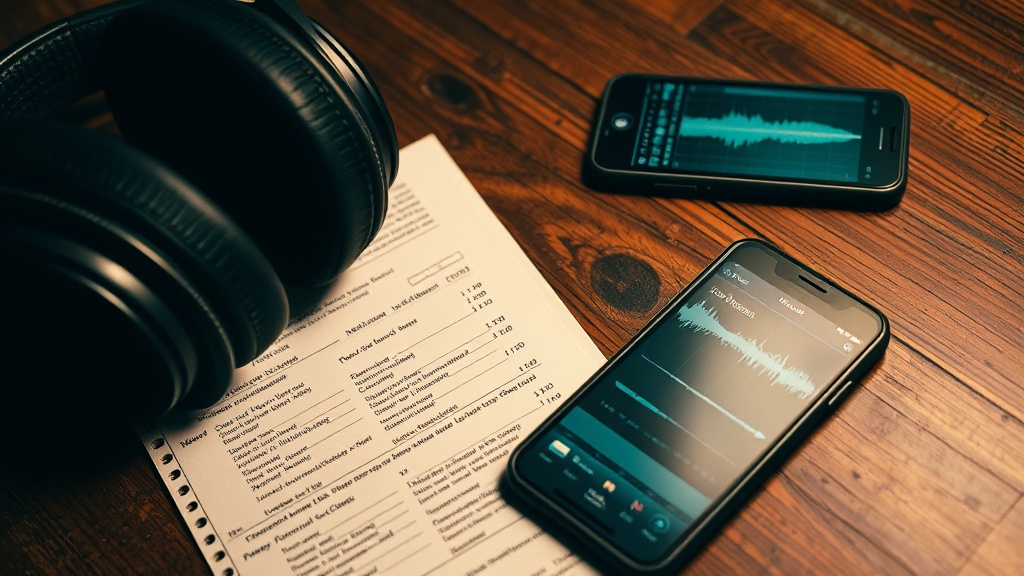
What it promises: Upload a song, get separated stems and chord detection.
This is where things get interesting.
Moises stem separation is genuinely useful. I used it four times in February for session prep — isolating the guitar stem from a track to hear exactly what voicings and inversions the original player was using. For reference, not replacement. This saved me actual time versus sitting with headphones trying to pick apart a muddy mix.
The chord detection AI is less reliable. It got the chords right on straightforward major/minor progressions, got confused on anything with extensions or unusual bass notes. On a song with a Gsus2 that resolves to a G/B, it called it a D chord. Close, not right. Treat it as a rough starting point and verify with your ear — especially on anything with extensions, jazz voicings, or non-root bass notes.
The real value: Stem separation for prep work is the single most practical AI application I found for working session musicians. Being able to pull the guitar part clean and hear it in isolation while I'm in the back of a van on I-65 — that's earned its monthly fee.
Verdict: Keeping it. The chord detection is a supplement, not a source of truth. The stem separation is the actual product.
4. AI Backing Track Generation
What I tested: Several tools that generate drum/bass/rhythm section backing tracks from a key, tempo, and style prompt.
The honest truth: In my experience, every one I tested lands somewhere around "demo track that ships with a keyboard you bought at Guitar Center in 2009." The groove is technically correct and completely lifeless. I understand why they exist — they're useful for beginners working on soloing practice — but for anyone who's played with an actual rhythm section, the feel is so far off it's almost distracting.
There's a concept called "pocket" — the way a drummer and bassist lock in together, that slight tension or push they share, the micro-timing choices that make a groove feel intentional rather than metronomic. No AI backing track generator I've found has pocket. They have click tracks with instruments on top.
Where it might be useful: If you're learning to improvise over changes, they're fine. If you're trying to practice playing over a feel that'll help you in a live context — skip it.
Verdict: Deleted. Not because it's broken, but because practicing over it builds the wrong instincts.
5. iZotope RX (Repair and Cleanup AI)
What I was using it for: Cleaning up rough home recordings before sending them as reference demos. Specifically: room noise, string squeak on acoustic takes, and one very unfortunate take where someone's phone buzzed against a wooden surface mid-take.
What it actually did: This is the most mature AI audio tool I tested. RX's noise reduction and repair features have been around longer than most of the flashier new tools, and the experience shows. It doesn't overcorrect. The de-rustle feature cleaned up a jacket-rustle on an acoustic take without killing the natural decay of the strings. That's a hard balance.
The phone buzz got 90% removed. Not perfect, but usable.
The caveat: iZotope RX is not cheap, and the learning curve is real. This is a professional tool with professional expectations. Don't go in thinking it's a "press one button and it's fixed" situation. It's more like having a very good set of surgical tools — you still have to know what you're operating on.
Verdict: Keeping it. Best value of everything I tested — but it's repair work, not creation. That's an important distinction.
What AI Still Can't Do
Let me be direct about this because I'm already braced for the "AI will replace session musicians" comment thread.
It can't read the room.
I played a private event in early February where the set list went out the window after song three because the crowd was older than expected and the bandleader called an audible. We played two hours of stuff we hadn't rehearsed, leaning on each other's cues, watching the drummer's shoulders to catch turnarounds. An AI tool has no input channel for "read that table in the back corner and decide whether to go to the bridge or take another chorus."
It can't tell you if a solo works at 3 AM.
That moment when you're in a session and you've done six takes of a guitar solo and you're sitting there in the dark listening back — the thing that tells you whether take four or take six is the one isn't an algorithm. It's the accumulation of every stage you've ever played on and every crowd that either felt it or didn't. AI can tell you the notes are in tune. It cannot tell you if the notes mean anything.
It can't replace rhythm section telepathy.
The shorthand between a guitar player and a drummer who've played together for two years — the way you push slightly on the downbeat knowing they'll pull — that's not a workflow problem to be optimized. It's the whole point.
What Actually Made the Cut
Keeping three tools:
- Moises stem separation — for session prep. Practical, real time savings, doesn't try to be creative.
- Landr — for reference mixes and demos, with the understanding that it's for "finished enough," not finished.
- iZotope RX — for repair work on home recordings before they go anywhere.
Deleted two:
- AI backing track generators. Wrong instincts, lifeless feel.
- AI chord detection as a standalone source of truth. Use it as a first pass, then verify with your ear.
The headline AI tools are mostly noise right now. The useful stuff is narrow, unglamorous, and doing specific plumbing jobs — cleanup, stem isolation, fast rough masters. That's fine. That's actually the right place for machine tools: handling the mechanical work so you can spend more time on the parts that require a human in the room.
The best tool is still your ear and your hands.
Leo Vance plays session guitar out of Nashville. He's been in the van and in the room, and he'll take a warm amp over a plugin every time.